
ORD Plane Spotting at Chicago
At O’Hare, the letter after the runway number matters as much as the number. Use an overview to pick a stream before following an individual aircraft.
Open ORD tracker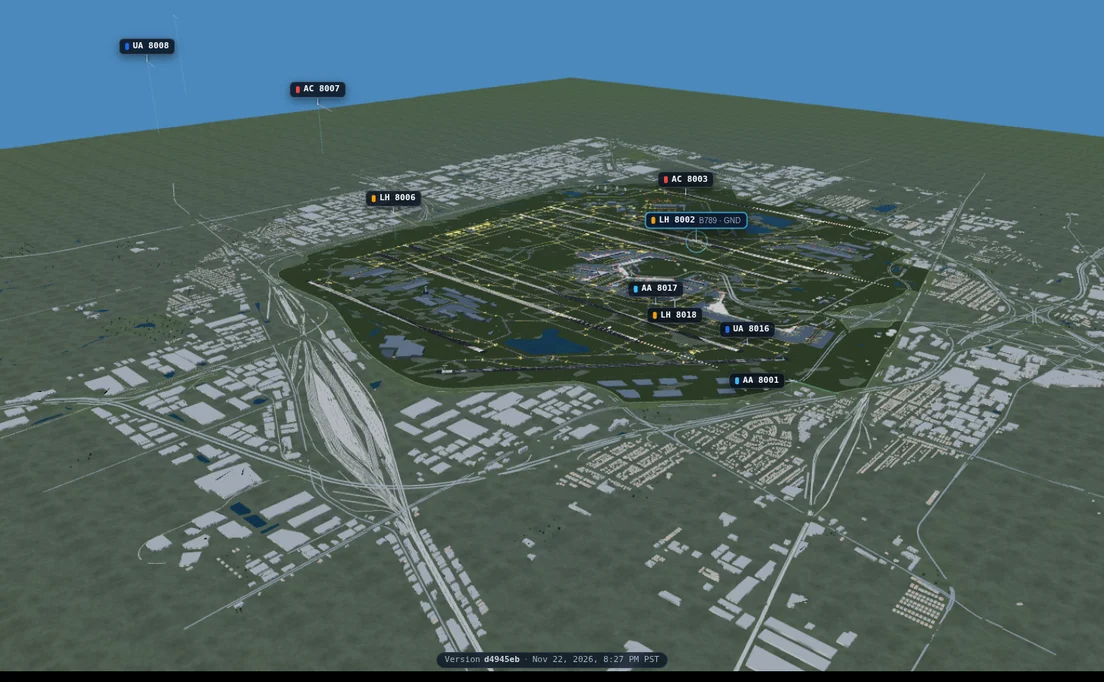
Watching from the B and C concourses
Passengers in Terminal 1 can use the official terminal map to locate Concourses B and C. From a gate window, first identify the ramp in front of you. A moving aircraft close to the window may be taxiing between the terminal and a runway well beyond it. Compare its callsign with the flight board before switching to Follow.
Compare the view with the 3D airfield
Set the overview to north-up and find the three 09/27 runways above the terminal group. If aircraft are approaching from the east, pause on the instant they reach the three different 27 thresholds. Repeat the comparison with the 28 ends on the south side. This is easier in Explore than from a single fixed terminal window.
Identify a passing flight
Open the ORD tracker and select an aircraft on the map or in the flight list. Match its callsign and direction to what you saw. For a flight that has already passed, open the replay guide and use the Central time shown in the tracker.